
Construction job costing software produces inaccurate data in 2026 for seven specific reasons. None of which require a platform replacement to fix. The most common causes are delayed labor data reaching accounting systems, overcrowded cost code structures, broken estimating-to-operations handoffs, duplicate entry from disconnected systems, and misconfigured Procore-QuickBooks or Procore-Sage integrations. Each of these failures corrupts job cost reports at the source, before data ever reaches your dashboard. The fastest diagnostic: if your month-end close takes more than 5 business days, or if crews are defaulting to catch-all cost codes, the problem is process, not software. Most construction businesses running Procore, QuickBooks, Sage, or Knowify already own software capable of accurate job costing. What they are missing is a designated integration owner, a clean cost code chart aligned across both systems, and point-of-work time capture.
-
$200K–$350KIn uncontrolled costs when 10% of labor hours are inaccurately reported on a $5M project
-
35–55%Labor burden adder on top of base wages. Outdated burden rates understate true labor costs on every bid
-
8–15Cost codes per project is the effective ceiling for specialty contractors before entries collapse into catch-all categories
-
75%Reduction in expense compilation time (40 hrs to 10 hrs/month) after fixing accounting integration, not replacing software
-
$10K–$30K/yrAnnual overhead cost of duplicate field-report entry across 50 active jobs, plus 4.8 wasted labor hours per week
-
9 days to 4Month-end close improvement a 22-employee electrical contractor achieved through integration fixes alone
-
$1.8 trillionAnnual global construction industry cost of poor project data and miscommunication (FMI and PlanGrid, 2026)
Construction job costing software for construction firms fails far more often because of process gaps than platform limitations. If your job cost reports are showing inaccurate or unreconciled data despite capable software already in place, the problem is almost certainly upstream of the software itself. As of 2026, poor project data and miscommunication cost the global construction industry approximately $1.8 trillion annually, according to FMI and PlanGrid research. A meaningful share of that figure comes from decisions made confidently off bad data. Before evaluating a platform replacement, the seven causes below will tell you exactly where your job costing process is breaking down, how serious each failure is, and who needs to fix it.
7 Reasons Construction Job Costing Software Produces Bad Data
| Cause | Severity | Owner | At a Glance |
|---|---|---|---|
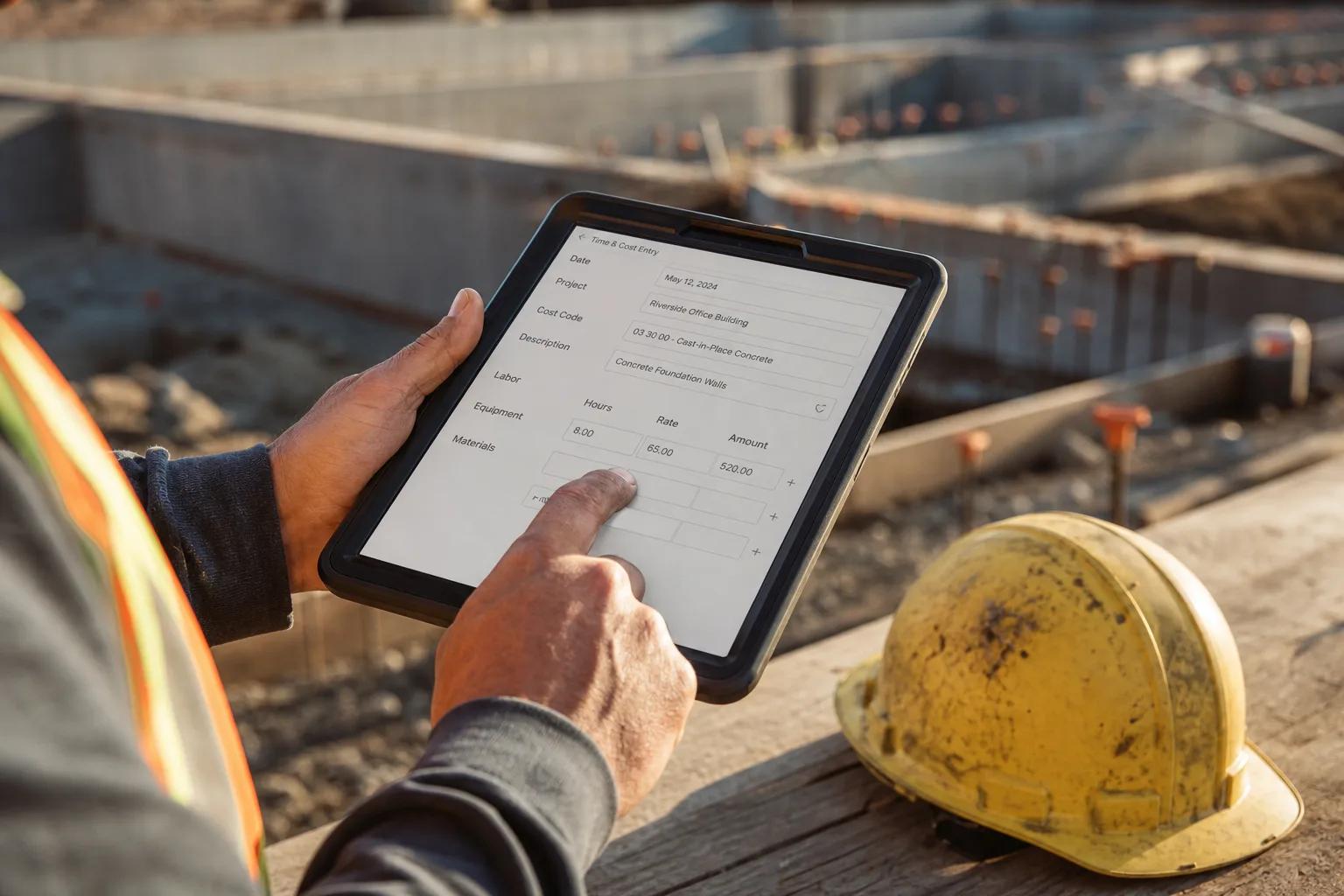
| Delayed Labor Data Reaching Accounting Systems | Urgent | Either / shared | Labor hours logged days or weeks after work occurs strip project managers of any ability to correct cost overruns mid-job. |
| Inconsistent or Overcrowded Cost Code Structure | Moderate | Internal team | Too many active cost codes cause crews to default to catch-all categories, destroying the historical data needed to bid future projects accurately. |
| Broken Estimating-to-Operations Handoff | Moderate | Either / shared | The estimate reaches the field as a number, stripped of the scope exclusions, sub pricing conditions, and site-specific assumptions that made it work on paper. |
| Duplicate Entry from Disconnected Systems | Moderate | Either / shared | The average contractor runs 11 applications, only one-third of which share data automatically. The rest require someone to re-enter the same data twice. |
| Weak or Misconfigured Accounting Integration | Urgent | Implementation partner | Procore-QuickBooks and Procore-Sage integrations introduce sync delays, duplicate records, and WIP gaps that grow with every project added to the roster. |
| AP-Level Validation Failures Letting Miscoded Invoices Through | Moderate | Internal team | Missing PO validation lets miscoded invoices post directly to job cost records, corrupting the data that drives WIP reporting and future bids. |
| Reporting-First Investment Before Source Data Is Fixed | Minor | Internal team | Buying analytics dashboards on top of bad source data produces confident-looking reports built on inaccurate numbers. The most expensive mistake in construction job costing. |
What Each Failure Actually Costs Your Business
Delayed Labor Data Reaching Accounting Systems
Delayed labor data is the single fastest way to destroy real-time visibility into project costs. When labor costs hit accounting systems days or weeks after work occurs, project managers lose the ability to make course corrections. Labor represents 20–40% of total project costs for most contractors, and higher for specialty trades. That means a single week of delayed time tracking across a $5M project can mask $200,000–$350,000 in uncontrolled costs when just 10% of labor hours are inaccurately reported through buddy punching, time rounding, or end-of-week batch entry.
Labor burden compounds this problem. Payroll taxes, workers' compensation, health insurance, and union benefits add 35–55% on top of base wages. Job costing software that uses flat or outdated burden rates understates true labor costs on every bid. A contractor who prices a $2M electrical project using a 38% burden rate when the actual rate is 52% has already lost money before the first crew arrives on site. The fix is source capture: time tracked at the point of work, with the correct cost code and burden rate applied automatically. Tools like SmartBarrel and Knowify synced to QuickBooks Online handle this without a platform replacement.
Inconsistent or Overcrowded Cost Code Structure
Inconsistent cost coding makes it impossible to compare actual costs across construction projects. One job may code concrete work as 'materials' while another codes it as 'concrete,' preventing any meaningful analysis of past performance. For specialty contractors, 8–15 cost codes per project is the effective ceiling. More than 30 active options causes field entries to collapse into catch-all categories, and the estimator never learns the data is wrong. Tracking job costs accurately requires that cost codes mean the same thing on every job, every time.
The downstream damage runs further than most owners realize. When upstream data errors build into a cost history over 12 to 24 months, estimators are pricing future bids off a dataset that systematically misstates what specific work types actually cost. A 22-employee specialty electrical contractor tracked job costs manually in a spreadsheet requiring 12 hours per month to reconcile across 40 active jobs. After integrating a purpose-built job-cost layer with QuickBooks, the firm identified three chronically underbid cost codes within the first quarter. Fixing the code structure, not buying new construction job costing software, was the unlock.
Broken Estimating-to-Operations Handoff
Handoff failures in estimating-to-operations mostly come from missing context: the estimate gets passed as a number, but the assumptions behind that number never make it to the field. Scope exclusions, pricing conditions from subcontractors, site-specific details. All of it lives in the estimator's head. When estimating and project management systems are separate, this data loss is structural, not accidental. The field team is executing against a project budget they do not fully understand, and project managers are comparing actual costs to a baseline that may already be wrong.
Change orders accelerate the problem. Change orders affect 85% of construction projects, adding 5–10% to costs when tracked properly. When the estimating system and the job costing module do not share a live connection, approved change orders fail to update job budgets in real time. Project managers end up with phantom budget availability: the job looks on track until it suddenly is not. A documented handoff protocol with named ownership fixes this. A new project management platform does not.
Duplicate Entry from Disconnected Systems
The average contractor runs 11 discrete applications, and only one in three exchange data automatically. That integration gap is where duplicate entry lives. A field report that takes 45–75 minutes to create manually must then be re-entered into accounting, scheduling, or a client portal before the data is usable. Across 50 active jobs, this adds up to 4.8 wasted labor hours per week and $10,000–$30,000 per year in pure administrative overhead, before factoring in the downstream cost of bad data. Construction teams with disconnected systems routinely lose more than 1,000 hours a year reconciling data that should have been correct at first capture.
Manual re-entry of construction field data carries a 1–8% error rate for typed data and 10–15% for paper field forms before they ever reach the office. Those error rates compound across multiple projects and multiple months. The question is not whether duplicate entry is costing money. It is. The question is whether the fix is a Zapier automation, a middleware integration layer like Knowify syncing to QuickBooks Online, or a full platform consolidation. Most construction businesses with fewer than 50 employees solve this with integration before replacement.
Weak or Misconfigured Accounting Integration
Procore's integration with QuickBooks requires a specific order of operations: create the job in one system first, then sync to the other. Creating a job in both systems simultaneously creates duplicate records and breaks the link entirely. Most tech support calls about this integration are not technical problems. They are process problems, primarily misaligned cost codes and no designated owner for the sync. Combining Procore with Sage or QuickBooks also introduces missing historical data, hard-coded cost code rules, and WIP workarounds that grow in overhead with every new project added to the roster.
A single-database platform eliminates reconciliation because cost transactions post once and reflect everywhere. But most contractors do not need a single-database platform. They need a designated integration owner, a matched cost code chart across both accounting systems, and a written sync protocol. Construction One cut expense compilation from 40 hours per month to 10 hours per month after switching to automated cost coding with real-time receipt reminders. That 75% reduction came from fixing the accounting integration process, not replacing the accounting software.
AP-Level Validation Failures Letting Miscoded Invoices Through
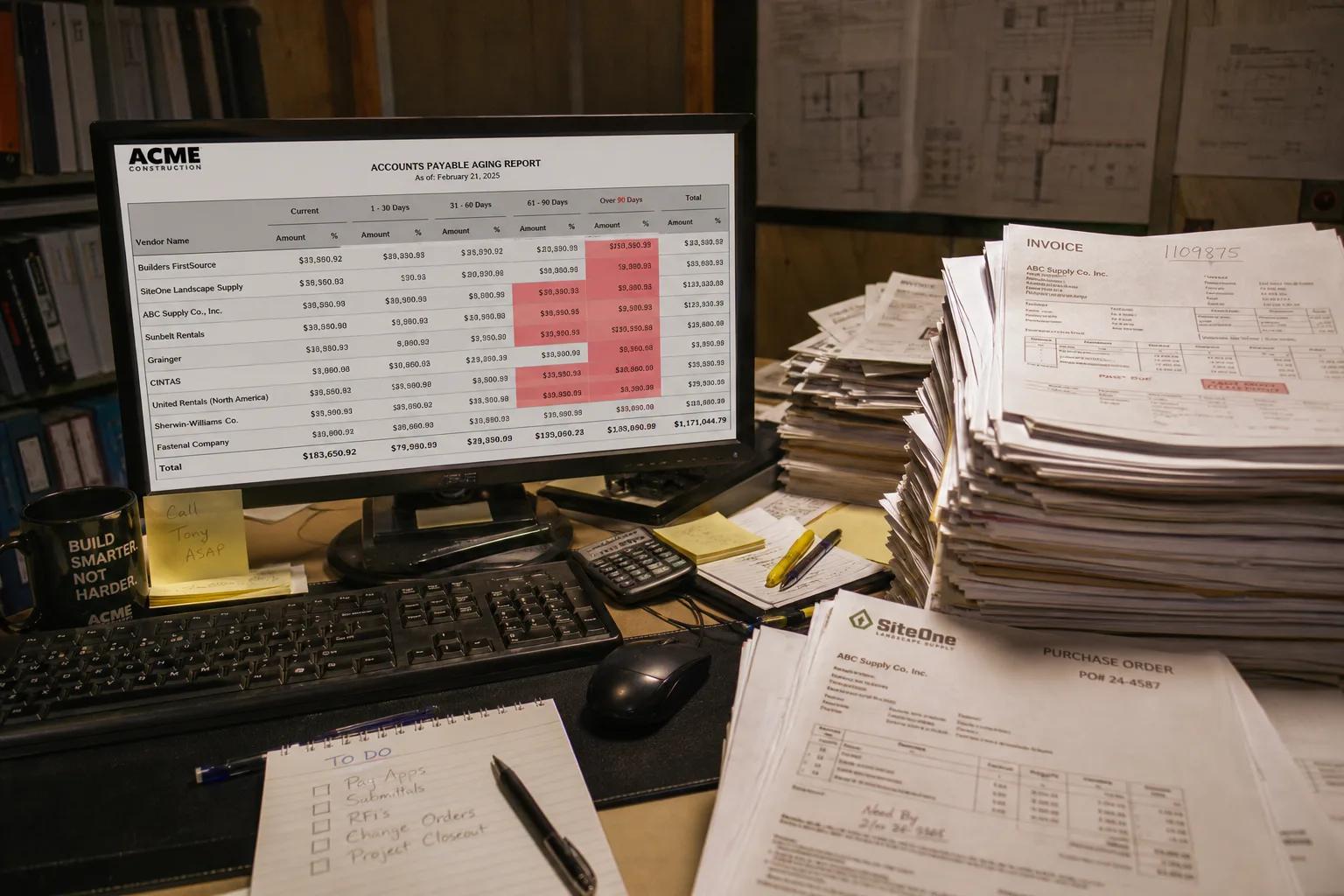
A missing accounts payable validation step is one of the most common points where accurate job costing breaks down. When invoices arrive without a matching purchase order, correct cost code, named approval owner, and supporting documentation, they get coded to the nearest plausible job at month-end. Or worse, they sit unprocessed until close and then get force-coded to clear the AP aging. Either outcome produces job cost reports that do not reflect what work actually cost. Invoice management discipline is a process fix, not a software purchase.
Requiring four items before any invoice is approved for payment stops miscoded charges at the source: project code, cost code, named approval owner, and a supporting document such as a delivery ticket or purchase order. Material costs and subcontractor invoices are the two categories most likely to be miscoded, and both have direct impact on the WIP schedule that surety underwriters and lenders read first. An invoice coded to the wrong job inflates actual costs on one project while understating them on another, making both job cost reports unreliable. This failure also affects cash flow: a miscoded invoice can trigger an incorrect billing to the owner and create an overbilling exposure that appears on the WIP schedule.
Reporting-First Investment Before Source Data Is Fixed
One of the most common job costing mistakes is prioritizing reporting and analytics tools before addressing the quality of data feeding them. Powerful job costing software with advanced reporting features does not solve a source data problem. A dashboard that refreshes in real time off miscoded cost entries still shows the wrong job profitability. The software is working exactly as designed. The problem is upstream. Without accurate data at the source, additional software complexity delivers faster access to wrong numbers, not better decisions.
Poor project data and miscommunication cost the global construction industry approximately $1.8 trillion annually. A meaningful share comes from decisions made confidently off bad data. Before evaluating construction job costing software with advanced reporting features, confirm that time tracking captures labor hours at the point of work, that cost codes are applied consistently at the field level, and that the accounting integration posts costs without a manual reconciliation step. Fix the source. Then add the reporting layer.
When to Stop Diagnosing and Act: The Escalation Signal
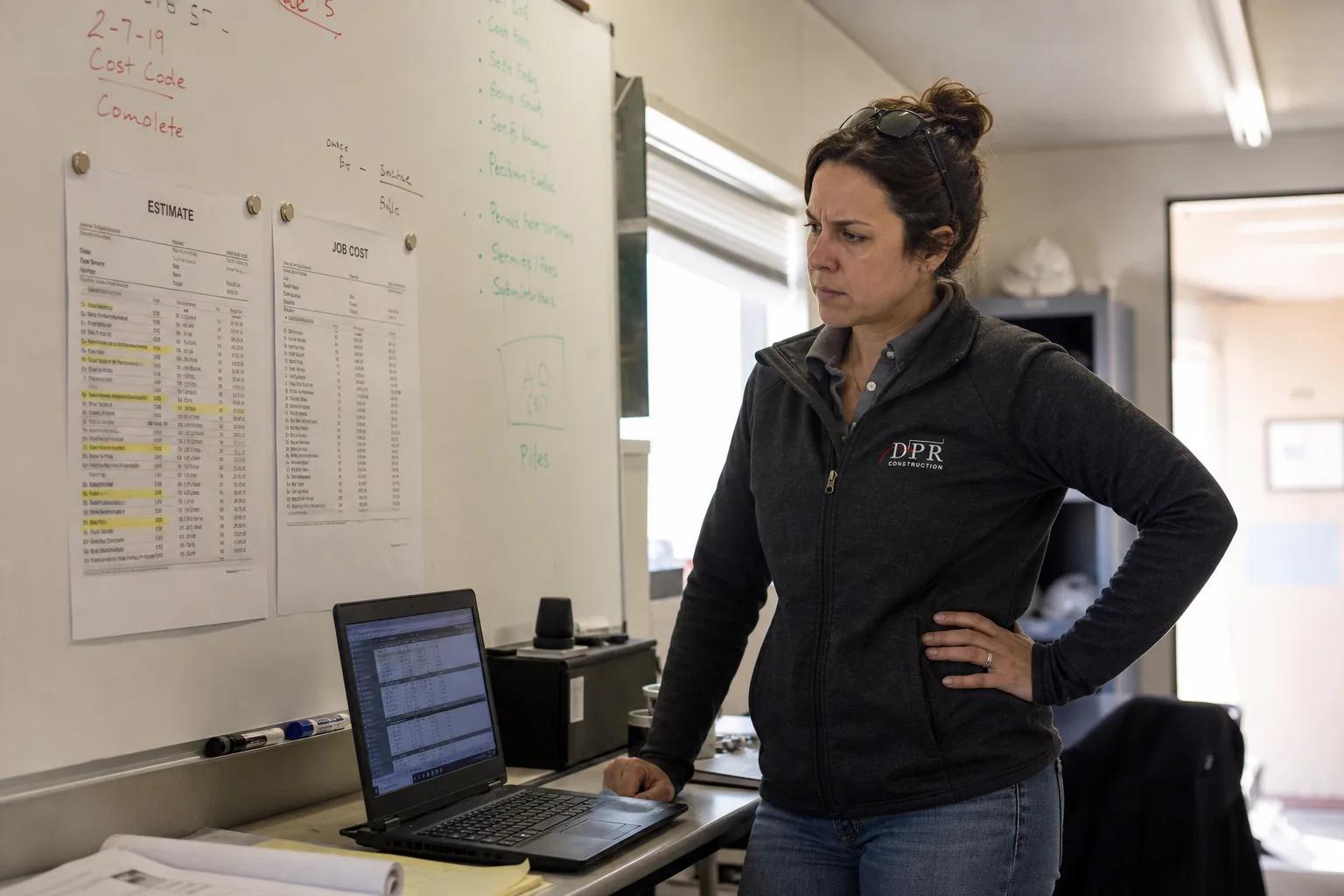
The clearest escalation signal in construction job costing is a bonding agent or lender requesting a WIP schedule when job cost data is unreconciled. A WIP schedule built off unreconciled costs is worse than no WIP schedule. It produces a number people believe. The SBA Surety Bond Guarantee Program guaranteed more than 11,000 bonds with contract value exceeding $10.5 billion in fiscal year 2025. Bonding capacity is a direct function of WIP reporting accuracy, and an indefensible WIP report does not just delay a credit decision, it can end one. At that point, stop evaluating software options and engage a CFMA-certified construction accountant or implementation partner immediately.
What to Do Next: A Prioritized Action List
- Audit your cost code chart before touching any software Pull your active cost code list and count it. If you have more than 30 codes available to field crews, collapse them to 8–15 per project type, and align that chart of accounts across your project management platform and QuickBooks or Sage before any sync configuration.
- Assign a named integration owner for every system-to-system sync Every Procore-QuickBooks or Procore-Sage sync needs one person responsible for the order of operations: job created in the source system first, synced to the second, confirmed before work begins. Document the protocol in writing, because most integration breakdowns trace back to no designated owner.
- Move labor time tracking to point-of-work capture End-of-week timesheet entry is the fastest way to introduce inaccurate labor hours. A mobile time-tracking add-on such as SmartBarrel or a Knowify-to-QuickBooks Online integration costs $39–$89 per user per month and pays for itself within the first job that would otherwise have overrun.
- Install a four-field AP validation requirement Before any invoice is approved for payment, require project code, cost code, named approval owner, and a supporting document. This single process change stops miscoded material costs and subcontractor invoices from corrupting job cost reports at the source, with no software purchase required.
- Run a month-end close timing diagnostic If your month-end close takes more than 5 business days, cost postings are arriving late and project managers are making decisions off stale actual costs. Time the close, identify which data type arrives last, and trace it back to the source capture point.
- Get a WIP reconciliation before evaluating new platforms If a surety underwriter or lender has asked for a WIP schedule and you cannot produce a defensible one, engage a construction CPA or CFMA-certified advisor to reconcile current job cost data against billings before signing any new software contract.
The Costliest Mistake: Buying Better Reporting Before Fixing the Data
A specialty contractor who invested $18,000 in a reporting platform discovered, six months later, that three of their highest-margin job types had been underbid for two years because the underlying cost codes were collapsed into a single catch-all category. The dashboard showed clean charts. The data was wrong the entire time. Adding analytics on top of miscoded job cost data does not produce better insight. It produces faster access to wrong numbers.
Construction job costing software fails far more often because of process gaps than platform limitations. The seven failure points above, delayed labor data, inconsistent cost codes, broken estimating handoffs, duplicate entry from disconnected systems, misconfigured accounting integrations, AP validation gaps, and reporting-first investment, are all fixable without a platform replacement. Most construction companies running Procore, QuickBooks, Sage, or Knowify already own software capable of accurate job costing. What they are missing is a designated integration owner, a clean cost code chart, and point-of-work time capture. Fix those three things first. If job cost reports are still unreliable after 90 days, then the platform conversation is worth having. With real data to support it, and a construction CPA in the room.